Phone numbers, texts and calls
Get a phone number in Zernio, then text and call from it in the dashboard or through your AI assistant. Also iMessage, RCS and WhatsApp.
Zernio isn't only social accounts. You can get a business phone number, text from it and take calls in your browser, all next to your posts.
Get a number
In the dashboard, open Phone and click Buy number. Then pick:
- The country. The price is next to each one.
- The type: local or toll-free.
- What it runs: calls, SMS and WhatsApp, or iMessage.
- The area code, then the exact number, or Any number for the fastest one.
Local numbers in the US, Canada, the UK and most of Europe are $3 a month. Some countries ask for documents first. See Phone number prices and Phone numbers.
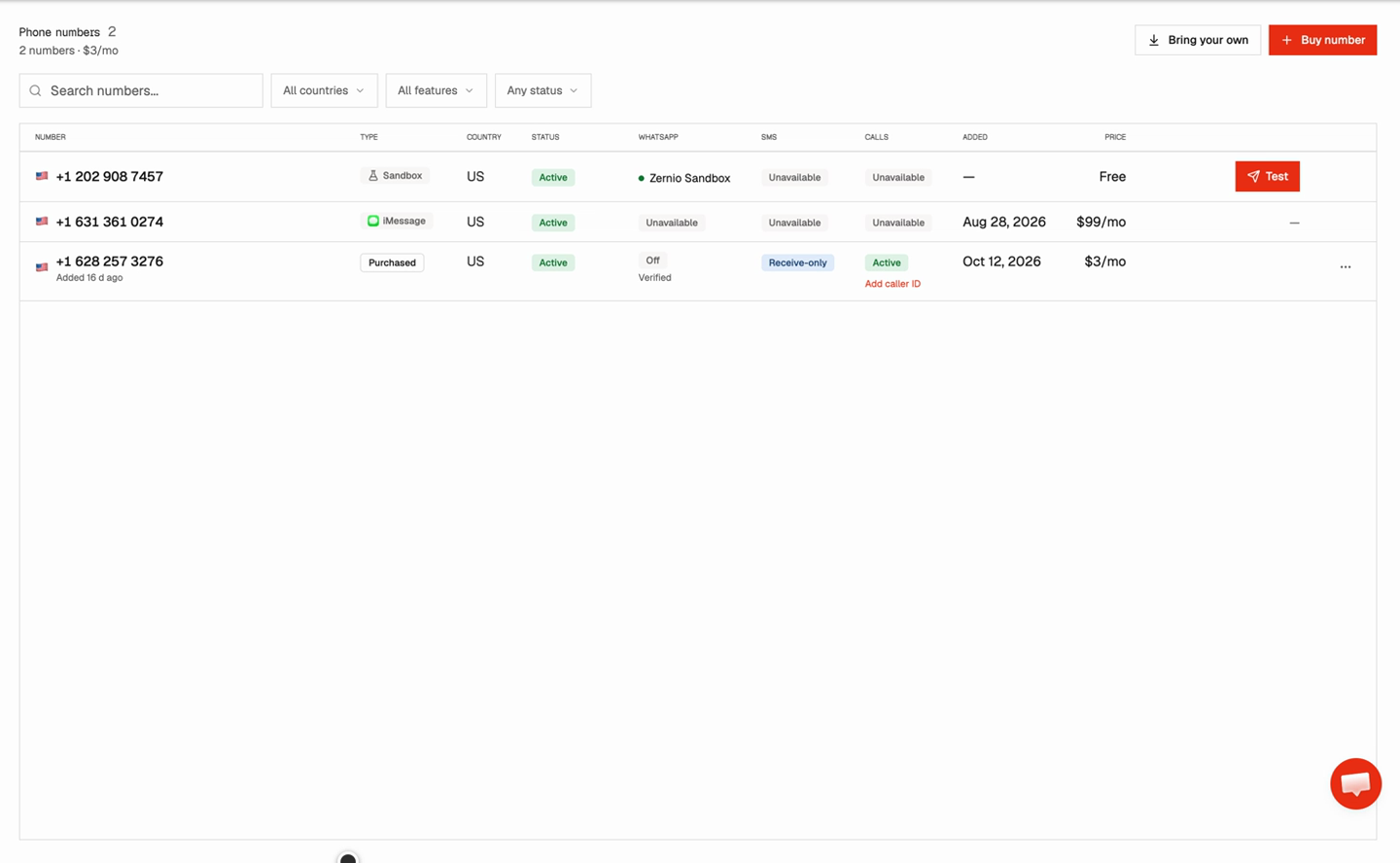
Send texts
A new number can receive texts right away.
To send from a US number, register your business first under Phone > 10DLC. Carriers review it, so start early.
Numbers in other countries can send as soon as SMS is on. See Carrier registration and SMS rates.
Make and take calls
Phone > Calls has a phone in your browser and the history of every call. Each number can have voicemail, business hours and a menu.
Recording and transcription are optional extras. See Voice and calls and Calling from the browser.
Other ways to message
| Channel | What you need |
|---|---|
| iMessage | A dedicated US or UK sender, $200 a month. Blue bubbles, with text fallback. |
| RCS | An agent the carriers approve, which takes 4 to 6 weeks in the US. |
| A WhatsApp Business account. Meta reviews the templates you start conversations with. |
Ask your assistant
Phone, texting and calls work through the same Zernio connection as your posts. The assistant finds the right action on its own.
The CLI covers the inbox, broadcasts and WhatsApp, but not SMS or calls yet. See CLI: inbox.
Next steps
- Things to ask: more requests for posts, the inbox and analytics.
- Connect with MCP: add Zernio to your assistant.